 Mutty
Weekly times, automatically
Set “Every Sunday 11:00–12:30” once. Your phone goes quiet then and comes back after.
Silenced your phone for a meeting, a service or a show, and forgot to turn it back on? Mutty quiets your phone with one tap and brings the sound back at the time you set.
Free · No ads · No sign-in
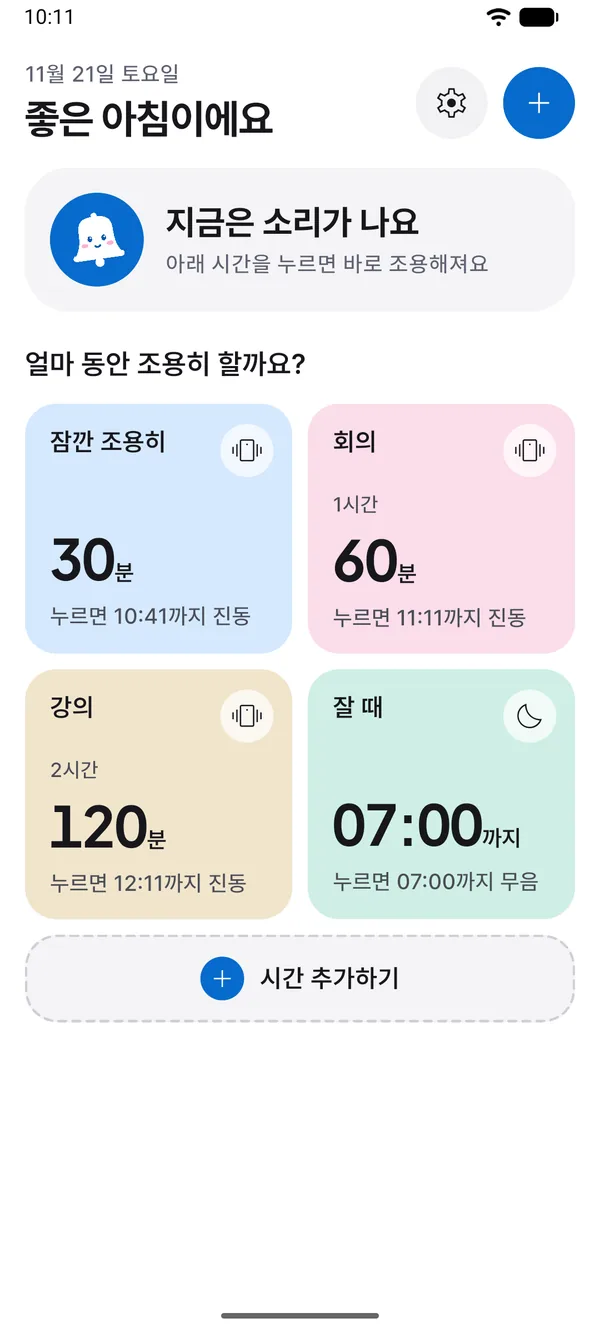
Each button has an end time, like “Meeting · 1 hour”. You can tap it from a Home Screen widget too.
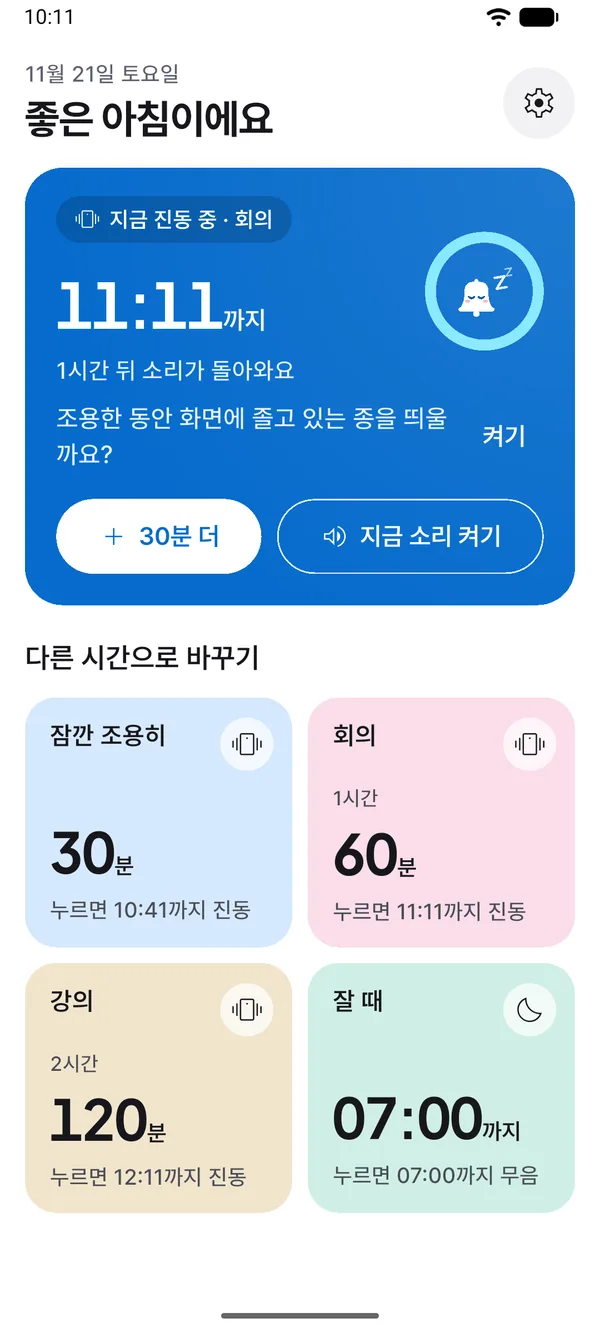
The end time is shown large. Running long? Tap “+30 min”.
You don’t have to do anything. No more missed calls piling up.
Set “Every Sunday 11:00–12:30” once. Your phone goes quiet then and comes back after.
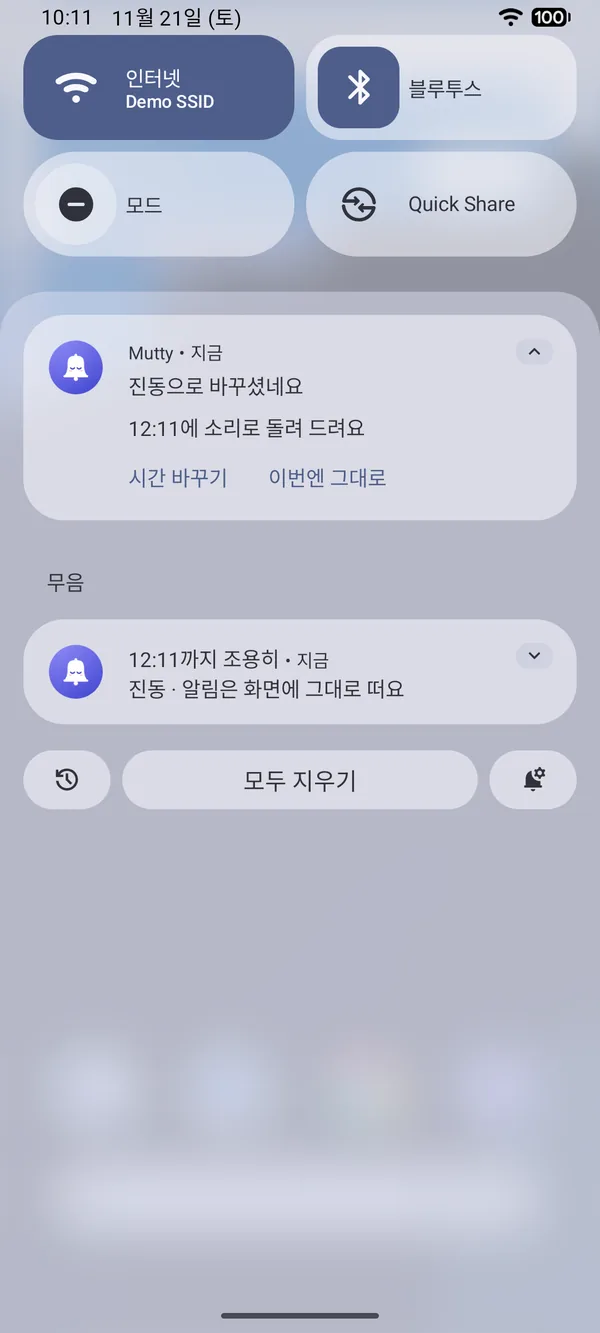
Switch to vibrate with the volume keys and Mutty notices, then restores sound after the time you chose.
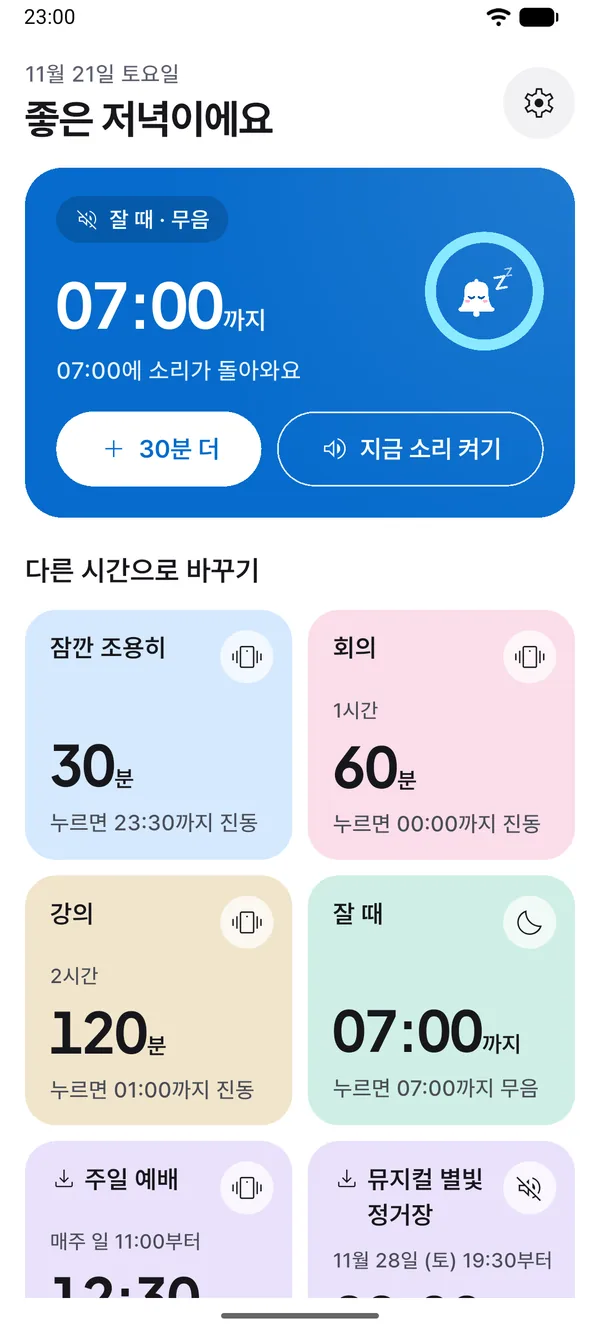
One tap on “Sleep” silences everything until morning. Your clock alarm still rings.
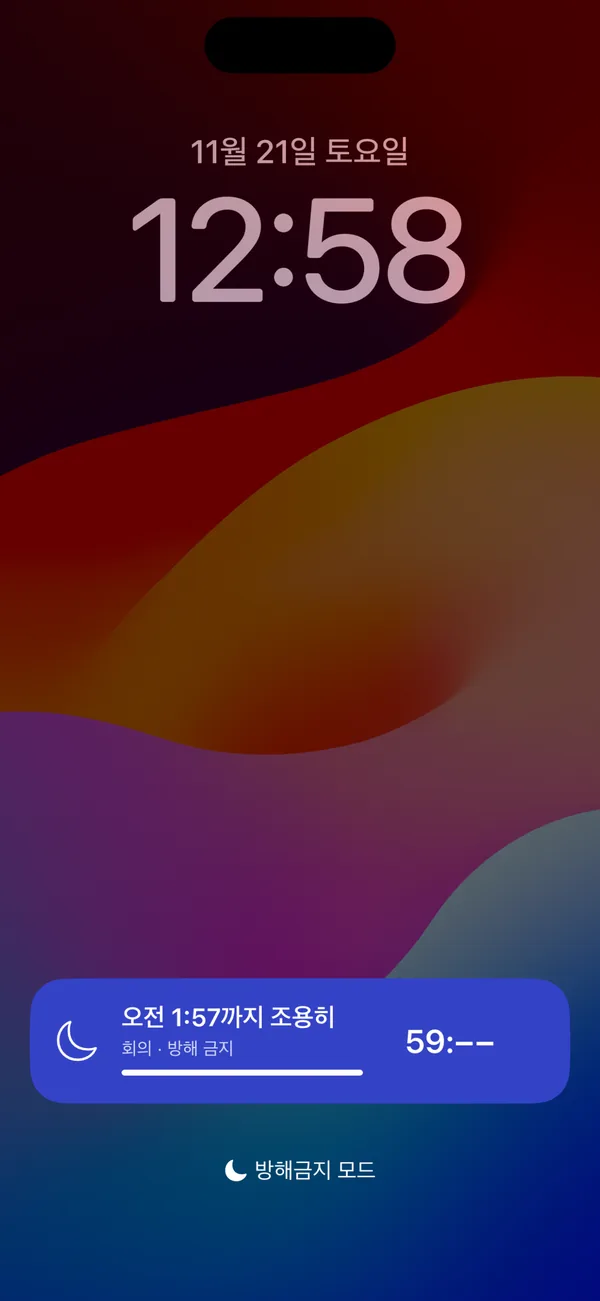
On iPhone, Mutty turns on Do Not Disturb until the end time and shows the time left on the Lock Screen.
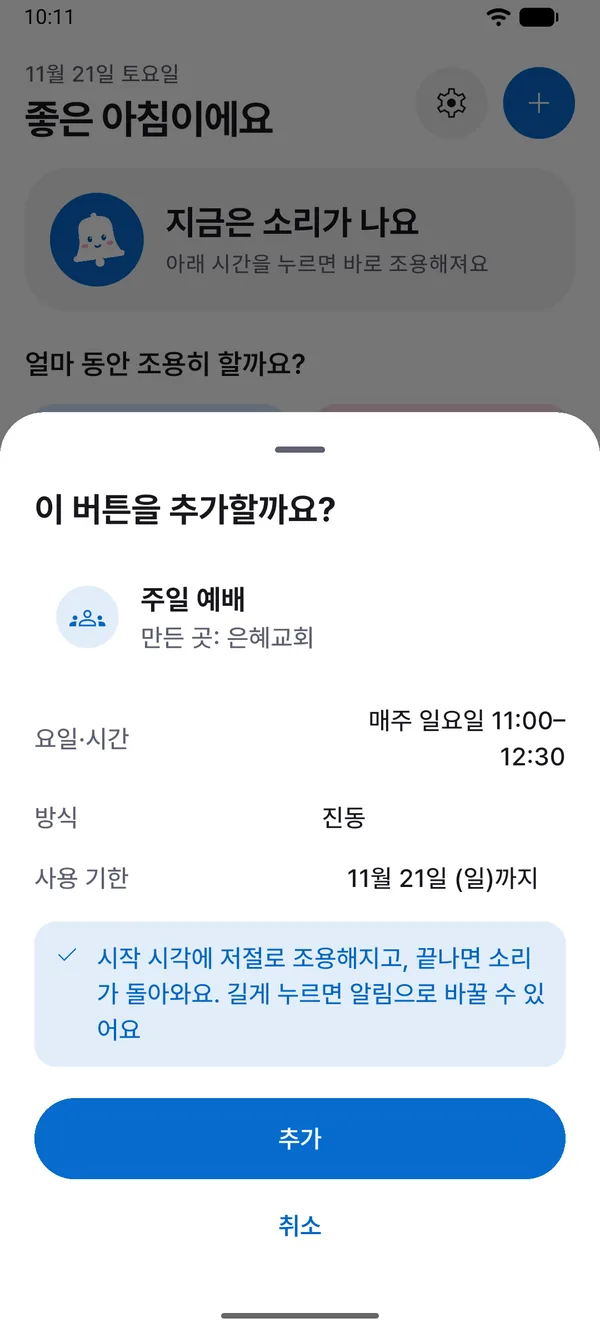
Put one QR code with your event time in the bulletin or on a sign. Phones that scan it go quiet only during that time, then get their sound back.
Make a QR code This page is in Korean for now
| Android | iPhone | |
|---|---|---|
| How it goes quiet | The app switches to vibrate or silent | The Shortcuts app turns on Do Not Disturb (one-time setup) |
| Start automatically at a set time | Yes | A notification arrives 5 minutes before. Tap it once |
| Restore after you mute by hand | Yes (Sound Guardian) | Not allowed by Apple |
Every core feature is free, with no ads. Mutty Plus (a one-time purchase) adds unlimited buttons and 1-minute steps. Buttons you receive from a church or venue are always free.
Your buttons, settings and history stay on your phone. Nothing is sent to a server, and there is no sign-in.
Some Android phones put apps to sleep to save battery. In Mutty settings, set “Battery restriction” to “Unrestricted”.
Each button can have exceptions. Calls from starred contacts and repeat calls within 15 minutes can still vibrate (Android).